First login
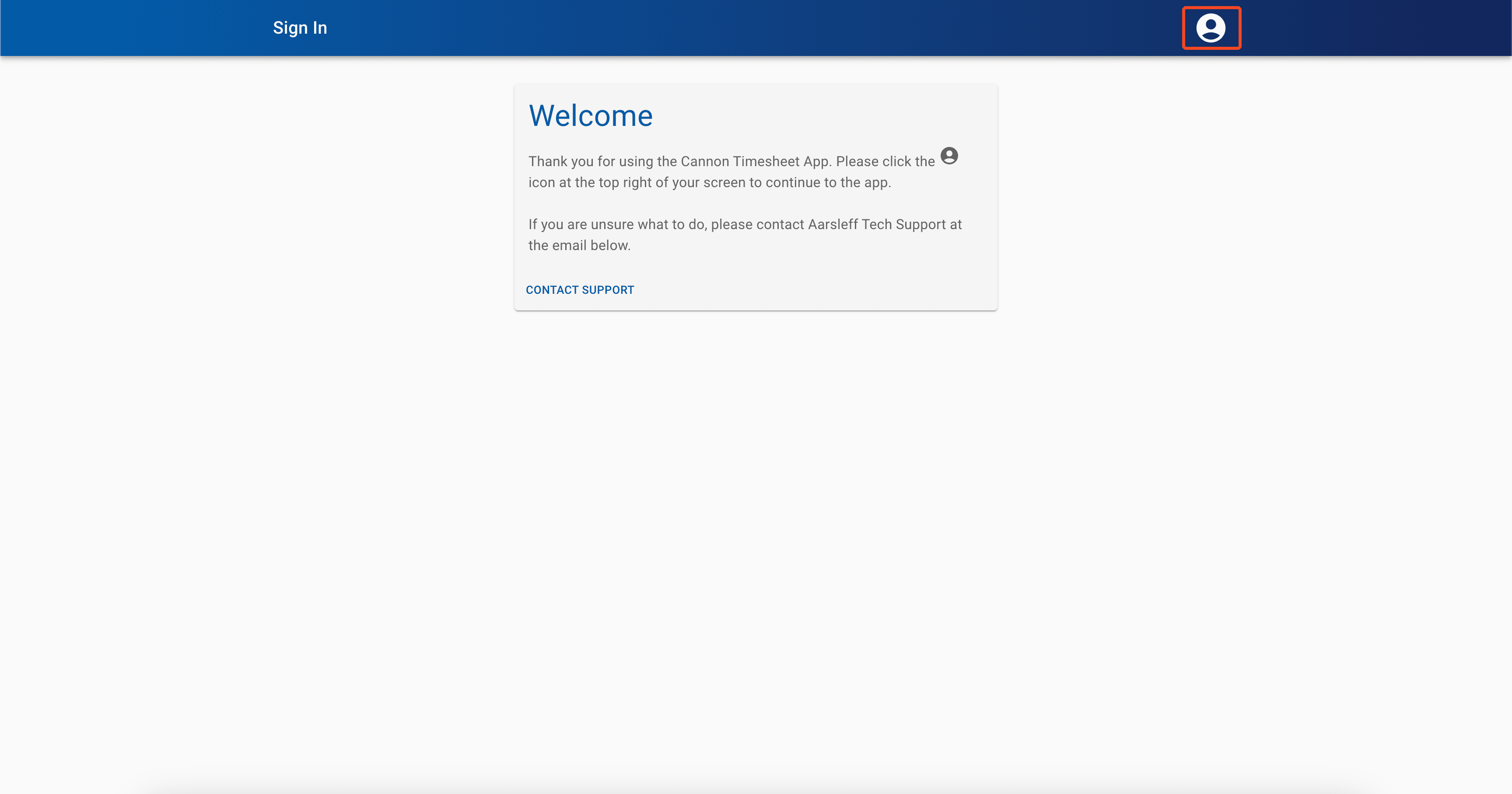
When opening the app for the first time you will have to log in. Please click the profile icon in the top right hand corner of the screen to do this. You will then be prompted to log in with your Microsoft account. This will be your work email and password. IT services should have been in contact with you to set this up. If you do not know these details then please reach out to IT Support
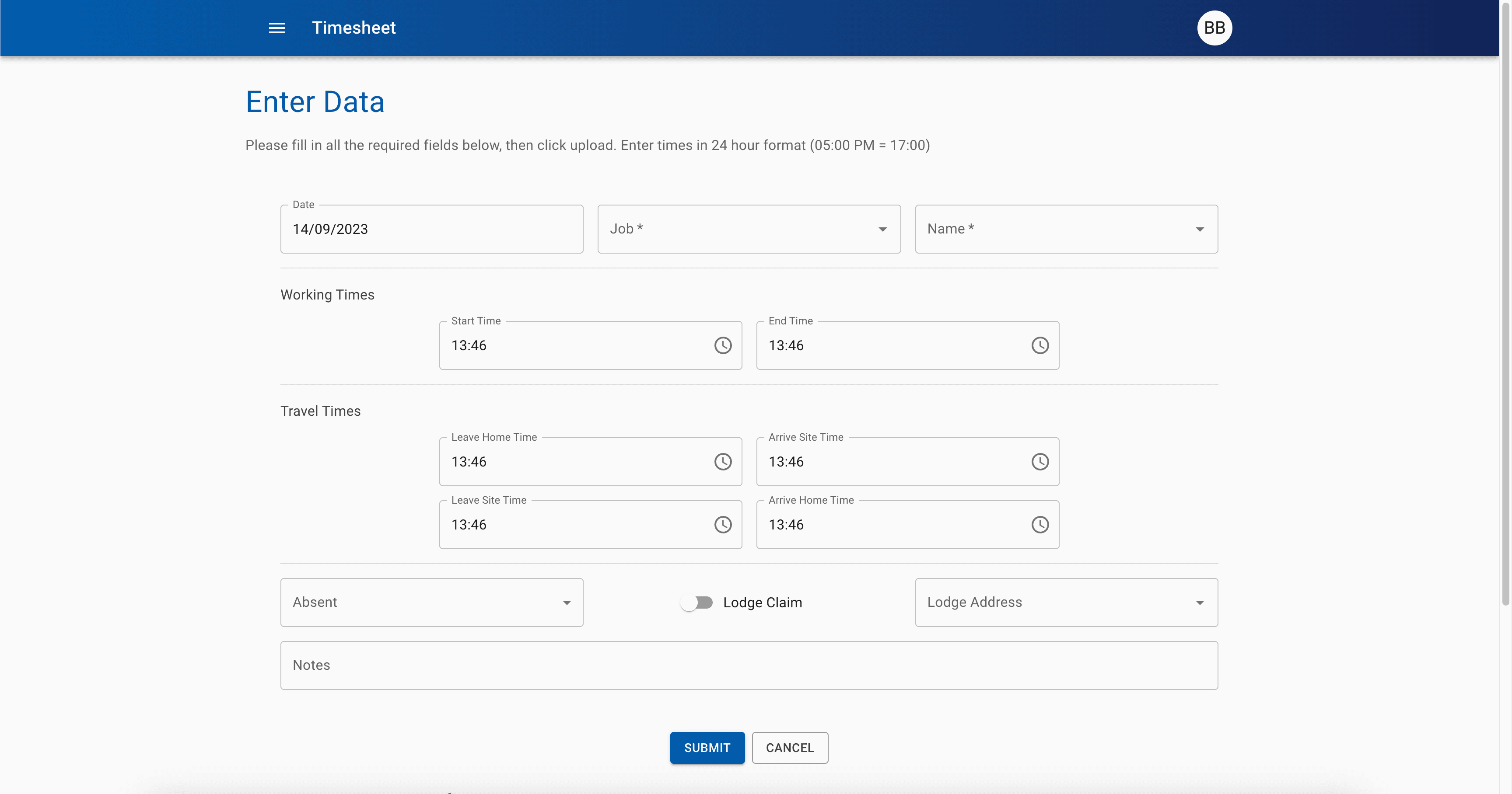
Upon a successful login, you will be presented with the timesheet form. This can take a few seconds to load, so do not panic if it does not appear straight away.
If at any point you forget your password, please contact IT Support.