Navigation
The navigation menu can be presented by clicking the burger menu icon in the top left corner of the window.
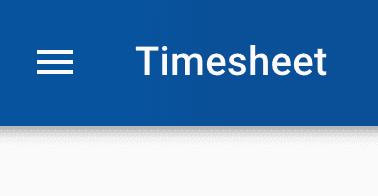
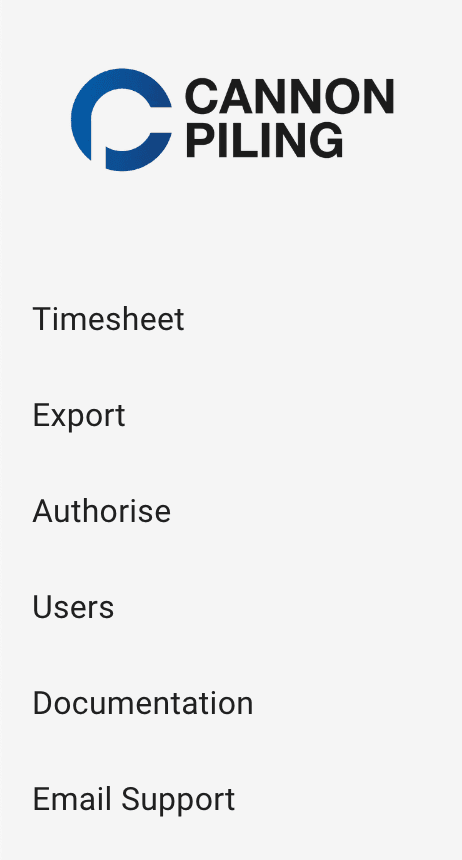
Upon clicking this button you will be presented with a list of links to all the pages of the app.
💡
Only links to pages you have access to will be displayed. For the majority of users this will only be the timesheet page.