Logout
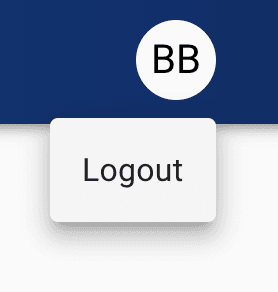
By clicking on your user profile picture in the top right corner, you will show a menu that allows you to log out. Clicking the Log Out button will log you out and return you to the home screen. If you permissions within the app are changed you will have to log out and back in again for these changes to take effect. Otherwise you are free to stay logged in continually.